SEE TARLIVA IN ACTION
How-to videos and screenshots
Watch real app recordings with sample data without signing in. Recordings are silent and show Turkish interface text; English instructions are provided below. Some screens may differ from the current version due to interface updates.
Request a demo for your business →51 video
Panel overview
Screenshot and instructions
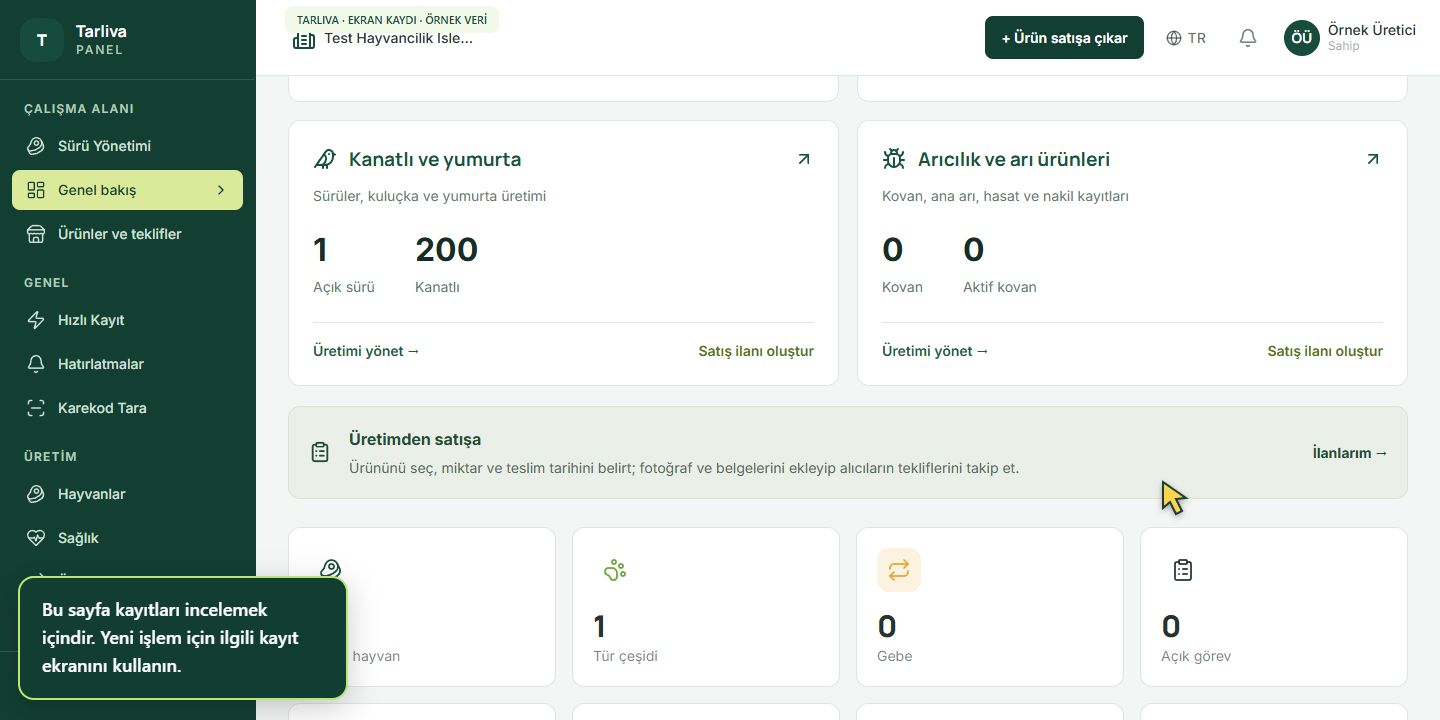
- Check the selected organization in the top menu.
- Open the relevant section in the side menu.
- Review production, task and status cards based on your records.
- Open the relevant page to add a record; this overview is not an entry form.